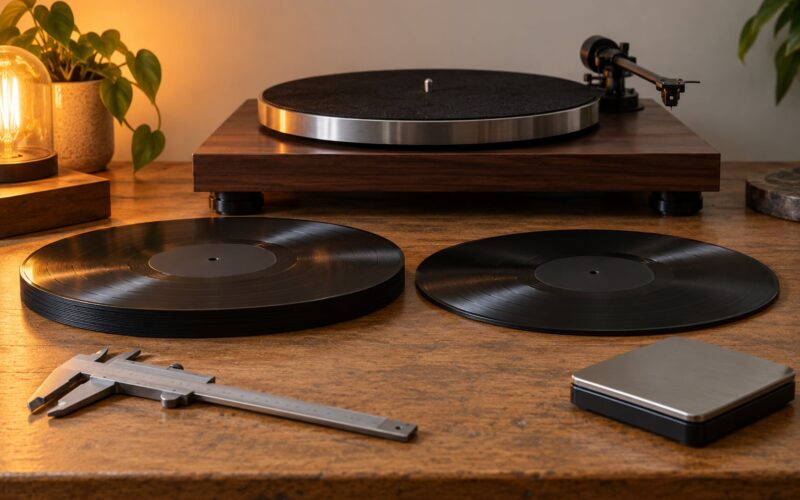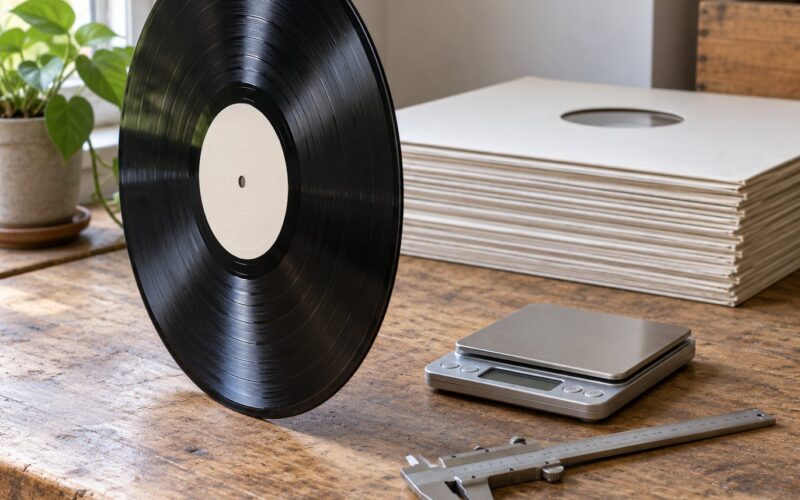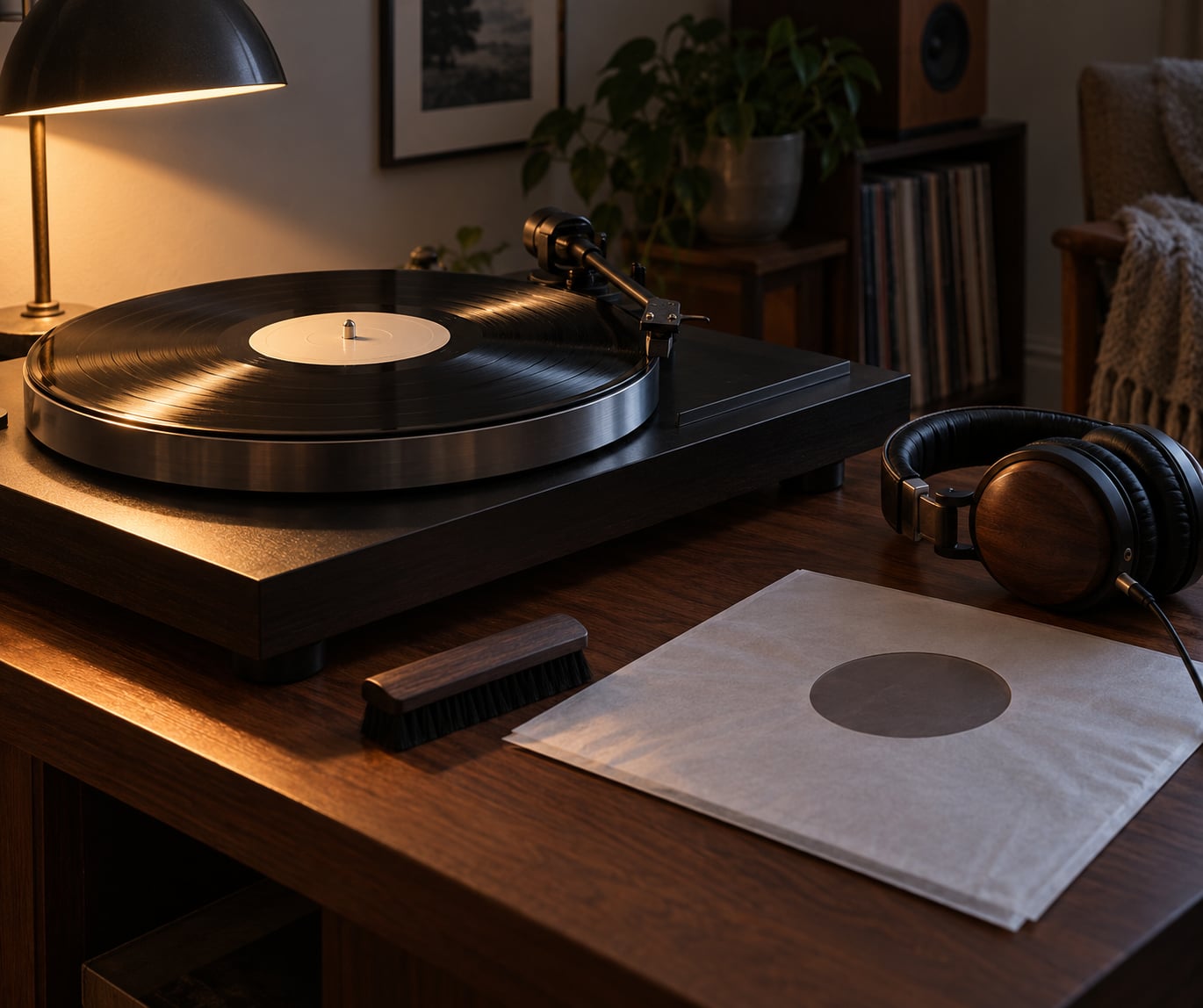
To test a record for surface noise, clean it first, then play it at a moderate level and listen closely to the lead-in groove and the silent gaps between tracks. Play the noisy passage a second time: if the click lands in exactly the same spot, it is a permanent groove defect, and if it softens or moves, it was dirt or static.
Surface noise is the low-level crackle, hiss, clicks and pops you hear on a record, and no amount of careful cleaning makes it disappear completely. The whole test takes about fifteen minutes, most of it listening, and the part that trips people up is figuring out whether the noise sits in the record or somewhere in your setup.
A stylus travelling through half a mile of microscopic groove never plays silently, so some noise is the format talking, not a fault. What separates a good copy from a bad one is how the noise behaves, and that behaviour is what this guide teaches you to read.
Table of Contents
- What You Need
- Step-by-Step: How to Test a Record for Surface Noise
- Prepare the Record and Playback Setup
- Listen for Surface Noise in Different Passes
- Check Whether the Noise Comes From the Record
- Common Mistakes
- Frequently Asked Questions
- Is some surface noise normal on an old vinyl record?
- What is the difference between surface noise, pops, and skips?
- Can cleaning a record remove its surface noise?
- How can I tell whether the noise is coming from the record or my turntable?
- Does a worn stylus make a record sound noisy?
- Should I buy a record that has noticeable crackle?
- Conclusion
What You Need
Gather these before you start. Most people already own three of the four essentials and borrow the rest.
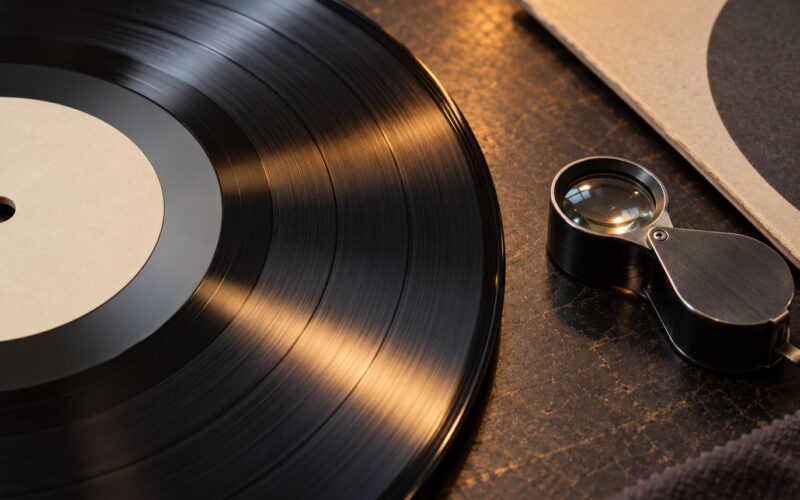
- A turntable with a known-good cartridge. A worn or dirty stylus adds its own clicks, which people regularly blame on the record. Check the tip under a magnifier or a loupe before blaming anything else.
- Cleaning supplies. A carbon-fibre brush, a microfibre cloth, a record cleaning solution made with distilled water and a small amount of isopropyl alcohol, and something soft to work the liquid in with.
- Bright, raking light. A lamp held low so the light travels across the record at a shallow angle. A cheap LED penlight taped to a desk lamp works fine.
- Headphones. They put you close to the noise, which is exactly what a noise test needs. Speakers at any distance hide the very clicks you are trying to count.
- A quiet room. Fridge hum and road noise sit in the same frequency range as groove hiss and will confuse you completely.
- A reference copy, if you have one. The same record, or another pressing of the same album, tells you what the mastering and the pressing plant normally sound like on your system.
Digitising gear is optional. If you have a hi-fi with a line-level input and a copy of Audacity, you can turn the whole thing into a click count later.
Step-by-Step: How to Test a Record for Surface Noise
Prepare the Record and Playback Setup
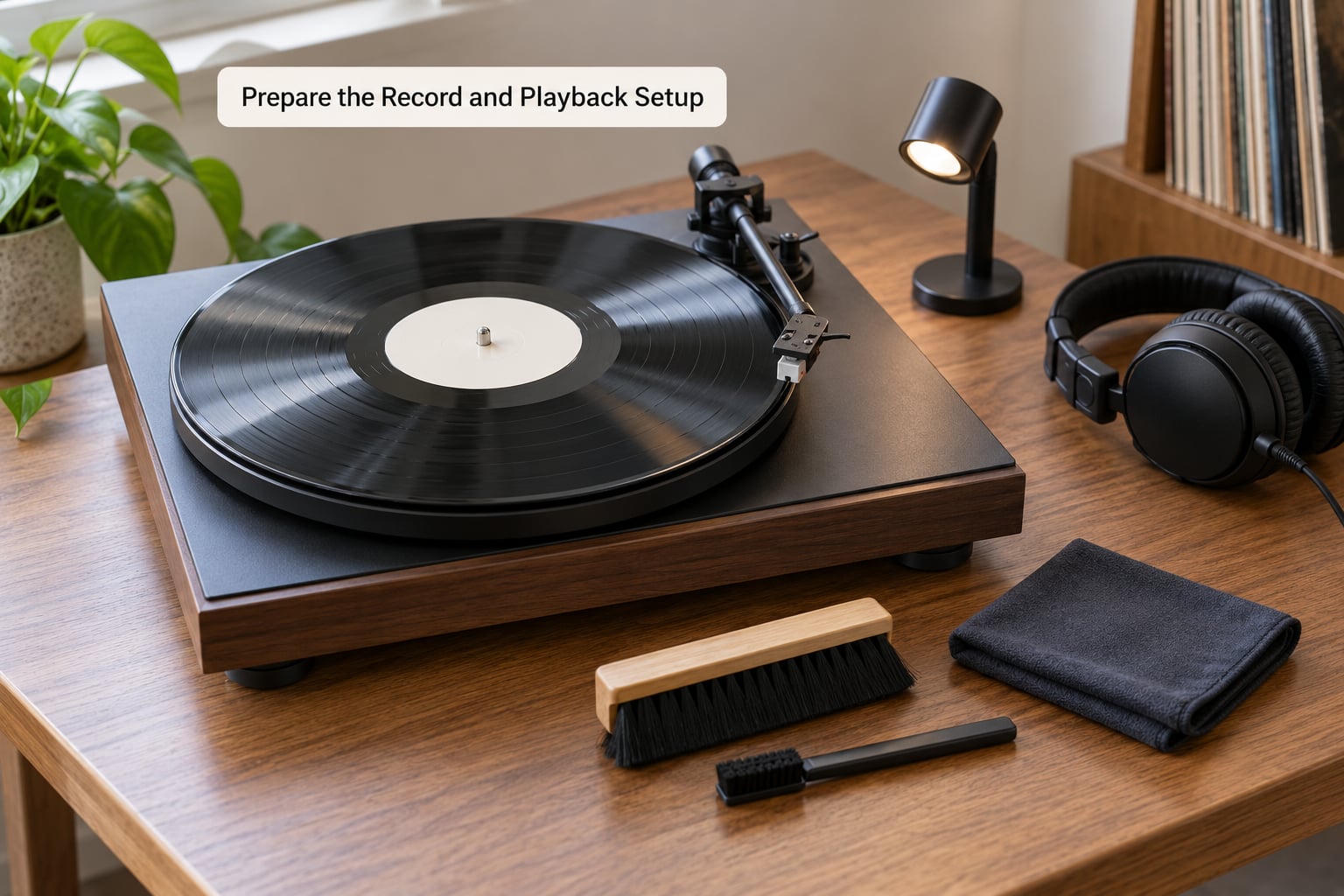
Start with a clean record, because dirt mimics damage almost perfectly. Dust, paper fibres and skin oil in the groove produce the same sharp tick as a scratch, and half the “damaged” records people return were simply never cleaned before the stylus found them.
Brush the record along the groove direction with the carbon brush, not around the platter. Rotate it by hand at the edge rather than using the motor, so you are never touching the label area while the platter is spinning.
Wipe it with a clean microfibre cloth, moving in one direction with light pressure. If it has been in storage or survived a flea-market stall, do a wet clean: diluted isopropyl alcohol and distilled water on a cloth, a few drops per record, spread lightly, then buff until dry. Never spray anything directly onto the vinyl, and never reach for WD-40, which leaves an oily film that traps more dust than it removes.
Set the tracking force and anti-skate to the cartridge manufacturer’s numbers before you judge anything. Then set your volume once, at a moderate level where the music is comfortable but the noise is clearly audible, and do not touch it again for the rest of the test. Volume control is the single biggest source of bad noise judgements, because turning it up to “check” a record amplifies everything equally.
Let the stylus run through the lead-in groove, that spiral between the edge of the record and track one, before the music starts. That stretch is meant to be silent and it is the cleanest reference you will get on the disc itself. Once the first track begins, you have left the best part.
Listen for Surface Noise in Different Passes
There is a fixed order to a proper listening test, and skipping it is how people end up either returning a fine record or keeping a ruined one. Noise reveals its cause in this order.
| Noise type | What it sounds like | Likely cause | Fixable at home? |
|---|---|---|---|
| Steady low crackle | A constant fizz under quiet music, present everywhere on the side | Groove wear from repeated plays, or the vinyl itself | No. It is inherent to that copy |
| Isolated ticks | Single sharp snaps spread randomly, usually in a quiet passage | Dirt, fibres, or a speck of dust on the stylus | Usually yes, after a clean |
| Repeating click | The same pop every rotation, at the same point in the track | A scratch across the groove, or non-fill in the pressing | No |
| Continuous hiss | Soft, even noise that sits below the music, often with faint crackle | Worn stylus, dirty stylus, phono stage noise, or groove wear | Sometimes, if it is the stylus or the phono stage |
| Bursts on one track only | Noise swells through one song and stops dead at the track gap | Pressing inconsistency, or an overdamped section | No |
| Pitch wobble | Slow warble, not a click at all | Dish warp or an off-centre pressing | Warped discs can be flattened, off-centre cannot |
| Repeating groove | The same half-second of music over and over | A deep scratch the stylus cannot track past | No |
First pass, listen to the whole side without focusing. You are looking for where the noise lives: evenly spread, concentrated in the quiet lead-in, or piled up in one track. Music masks noise, so the quiet stretches and the run-out groove are where a bad copy gives itself away.
Second pass, raise the volume by one modest step. Not to maximum, just enough to pull the hiss forward. At that level you should be able to tell a soft, steady background from a layer of distinct ticks. If the two sound identical, the record is either very dirty or very worn, and the next step will tell you which.
Third pass, replay the worst moment three times. Listen with your eyes closed and wait for the tick. Tick in the same place every time means a permanent defect. A tick that fades or jumps around on the second pass was debris, and the stylus has just scoured part of it out of the groove. That single observation separates cleanable from unfixable faster than any other test.
A note on why repeat playback works: on one Vinyl Engine measurement, a noisy album counted 12,544 clicks in one channel and 18,288 in the other on the first play, then 8,758 and 13,452 on the third. Roughly 26 to 30 per cent of the ticks disappeared in two passes, and the remainder were defects in the plastic. Treat that as an order of magnitude rather than a promise for your record, but the shape holds: play removes dirt and leaves damage.
Check Whether the Noise Comes From the Record
Once you know what the record sounds like, the next job is finding out whether your setup is adding to it. Most “noisy record” complaints I have seen turn out to be a phono stage with the gain cranked up, or a stylus carrying a piece of dust it picked up in an earlier track.
The baseline test takes about a minute. Drop the stylus into the lead-in groove with the amplifier volume at zero. You will still hear something, and that is completely normal. A needle sitting in a groove makes sound with no signal at all. Whatever you hear now is your system’s noise floor, and every measurement you make afterwards sits on top of it.
Bring the volume up to your normal level while the stylus is still in the lead-in groove. The noise that grows is all coming from your system. The noise that appears the instant the music starts is coming from the record. Many players also have an audio or line input selector, and switching between those with the stylus still tracking the blank groove is the cleanest way to hear the phono stage on its own.
Compare against a copy you trust. The same album on a different pressing, or any well-made record from the same era on your system, gives you a reference. If your reference copy has the same floor of hiss, the record is fine and the setup is the story. If the reference is quiet and this one hisses, the copy is worn.
Look at the record while it plays. Hold the raking light across the surface and turn the light slowly. A scratch that runs across the grooves produces a repeating click and can sometimes be felt with a fingernail. A scratch that runs along the groove direction is far less destructive, because it does not cross the audio path. Dust or filler looks like scattered specks rather than a clean line, and non-fill shows as a pale patch where the vinyl never got pressed.
Check for warp at the same time, because a dish-shaped record mimics noise. Lay it on a flat surface and see whether it rocks. A slight curve at the edge is normal; a disc that rocks with a visible gap under one point is warped enough to cause pitch wobble or skipping.
Groove wear has its own signature. It is not clicks, it is dullness: loss of top end, a smeared or veiled treble, and distortion that gets worse as the stylus moves inward toward the label, where tracking force is highest and the groove is most compressed. If the inner tracks sound rough while the opening ones are clean, that is wear rather than dirt.
One last check for anyone who wants numbers. Digitise the side at line level, open the file in Audacity, and look at the waveform. Clicks appear as isolated vertical spikes; a worn record looks like a fuzzy band with no clean peaks. A high-pass filter at roughly 20 Hz removes rumble without touching the clicks, which makes them easier to count, and click-detection software such as ClickRepair will produce a count per channel. Treat the number as a comparison tool rather than a verdict, because a static discharge as the needle settles can throw in a burst of fake clicks and quietly wreck the count.
Common Mistakes
Judging a dirty record. This is the big one. Clean first, always. No amount of listening tells you anything useful about a record that has been through a garage.
Turning the volume up to hear more. Raising the level amplifies hiss and clicks at the same rate as the hiss and clicks of your phono stage. Judge at a fixed moderate level, change it once, and write down what you set it to.
Deciding from one track. Pressing faults cluster. If track two is clean and track five is a disaster, the whole side has to be checked before you call it a bad copy.
Ignoring the stylus. A dirty or worn stylus sounds like a damaged record. Clean the tip with a stylus gel or a damp lint-free stroke, check the alignment, and if the stylus has not been changed in years, change it before you blame the vinyl.
Cleaning with the wrong product. Alcohol at full strength, household cleaners, and WD-40 attack the vinyl and leave residues that attract more dust. Dilute isopropyl alcohol with distilled water and nothing more aggressive.
Testing only the loud track. A record can be clean through a loud drum break and terrible in the quiet intro. Always include a lead-in and a run-out in the test.
Forgetting static. Poly-lined inner sleeves create static that pops as the needle drops. Store records in anti-static sleeves or outer poly sleeves, and handle them by the edges.
One quick way to keep your ears honest: score each side in words rather than impressions. A side with light even hiss and no repeats is roughly VG+ in Goldmine terms, audible crackle through quiet passages is VG, and repeats, locked grooves or skips drop it to G or G+. Collecting words rather than adjectives is what makes a grading pass repeatable.
Frequently Asked Questions
Is some surface noise normal on an old vinyl record?
Yes. A faint, even hiss is inherent to the format, and light crackle on a played record is usually normal rather than damage. Judge it by behaviour rather than volume: noise that repeats in the same spot every rotation matters, while steady background hiss does not. Compare the record with a well-kept copy of the same pressing on the same system, and if the difference is small, the copy is normal for its age.
What is the difference between surface noise, pops, and skips?
Surface noise is the general bed of crackle and hiss under the music. A pop or click is a single short impulse at one point in a groove. A skip is the stylus jumping forward, so it drops music entirely, and a repeat is it jumping backward, replaying the same moment. Pops can be dirt or a scratch; skips and repeats are always a physical defect in the groove.
Can cleaning a record remove its surface noise?
Cleaning removes the part caused by dirt, dust and fibres, which on a stored record can be most of what you hear. It cannot touch wear, scratches across the groove, non-fill or warp. A useful check is to clean and replay the same moment: if the ticks drop noticeably on the second and third plays, they were debris. If nothing changes, the noise is in the plastic.
How can I tell whether the noise is coming from the record or my turntable?
Set the amplifier volume to zero with the stylus resting in the lead-in groove, then raise it while the stylus is still there. Anything that grows is your system’s noise floor, including phono stage hiss and turntable rumble. The moment the music starts and the noise changes character is the record. Switching to a line input while tracking the blank groove isolates the phono stage even further.
Does a worn stylus make a record sound noisy?
Yes, and it is one of the most common explanations for clicks that seem to come from a different record each time. A worn or contaminated tip skips lightly over debris instead of pushing it aside, producing intermittent ticks and a dull, thin sound. If the stylus has not been replaced in several years, or the same record sounds good on another system, check the stylus before you condemn the record.
Should I buy a record that has noticeable crackle?
Buy it if the crackle is steady background noise with no repeats, no skips and no obvious wear, especially at a sensible price. Walk away if you hear repeating clicks in the same place, a section that loops, or tracks that wobble audibly. In a shop, hold it to the light first, look for scratches that cross the grooves, and play the quietest track on the sample deck rather than the loud one.
Conclusion
The first move is always the same: hold the record under a raking light, clean it properly, and play it at a moderate volume with headphones on. Listen to the lead-in groove and the gaps between tracks, not just the loudest song.
Then replay the worst moment. Same spot every time means a permanent groove defect you can live with or return; softer or shifted on the second pass means dirt the stylus has just cleared. Finally, sit on the blank groove with the volume at zero to establish your own noise floor, so you know which part of what you hear belongs to the record. Get those three answers and you can test a record for surface noise with the same confidence whether it came from a shop, a seller or a mailer.