Why does my turntable skip? In almost every case the stylus is losing its grip on the groove, and the reason is one of five things: dirt in the grooves, a worn or dirty needle, tracking force set wrong, a deck sitting on an unlevel or vibrating surface, or damage to the record itself. Clean the record first, then the stylus, then check the tonearm settings. Most skipping clears up in under fifteen minutes without a single new part.
The order matters more than most guides admit. Cleaning a filthy record with a stylus that needs replacing wastes a cartridge, and cranking up the tracking force to force a warped disc through will chew the grooves on both. Work down the list below in order and stop as soon as the skipping goes.
Table of Contents
- What You Need
- Why Does My Turntable Skip? A Step-by-Step Diagnostic
- 1. Clean the record grooves
- 2. Check the stylus and cartridge
- 3. Set the tracking force correctly
- 4. Adjust the anti-skate and tonearm alignment
- 5. Check the platter speed and drive system
- 6. Why does my turntable skip on one record and not others? Test them separately
- 7. Replace a worn cartridge or seek service
- Common Mistakes
- Using alcohol or household cleaners on vinyl
- Touching the stylus with your fingers
- Adding weight to the tonearm or the spindle
- Tightening tonearm hardware by feel
- Blaming the record before testing the system
- When to replace the cartridge
- Quick tips for preventing skips
- Frequently Asked Questions
- Why does my turntable skip on only one record?
- Is it normal for a new record to skip?
- Can a dirty stylus cause a record to skip?
- Should I increase the tracking force to stop skipping?
- Why does my turntable skip at the beginning of songs?
- What Should You Try First?
What You Need
A skipping fault is usually solved with cleaning supplies and a few minutes of setup, so gather these before you touch anything.
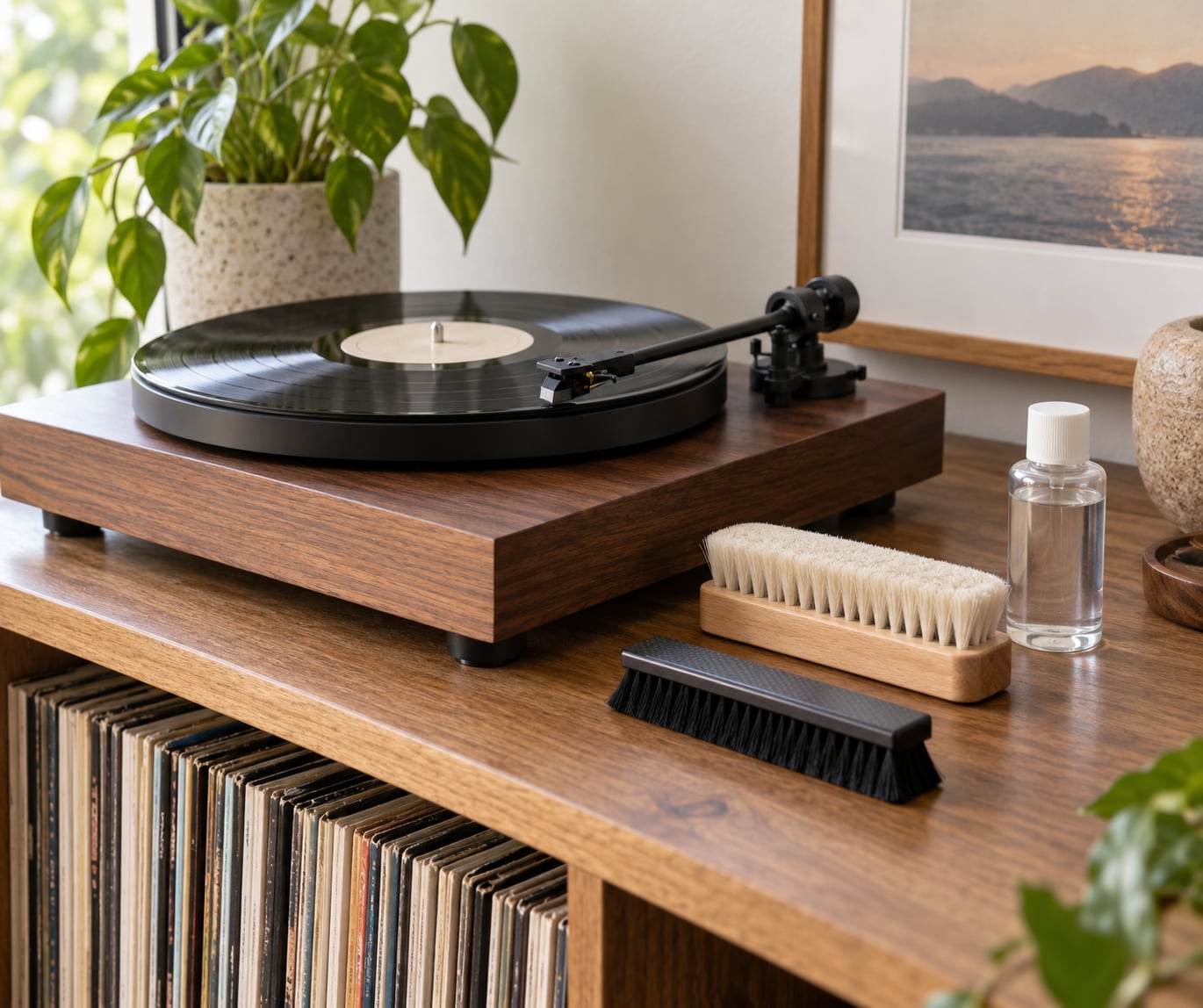
- Record cleaning fluid and a soft lint-free cloth or a proper record cleaning brush. Fluid beats a dry cloth because it lifts embedded grit instead of smearing it around.
- Soft stylus brush and a bulb blower. Never a compressed air canister — it drives debris into the cartridge body.
- Stylus cleaning gel or solvent if the needle itself looks grimy.
- The turntable manual. Every tracking-force figure and anti-skate range in this guide comes from the cartridge or turntable maker’s specification sheet, not from a guess.
- A small Phillips screwdriver for the cartridge mounting screws and the headshell, plus good lighting or a loupe.
- Optionally: a small bubble or spirit level, a stylus force gauge (VTF scale) for measuring tracking force, a strobe or a phone app with a strobe pattern for speed, and a vibration isolation mat.
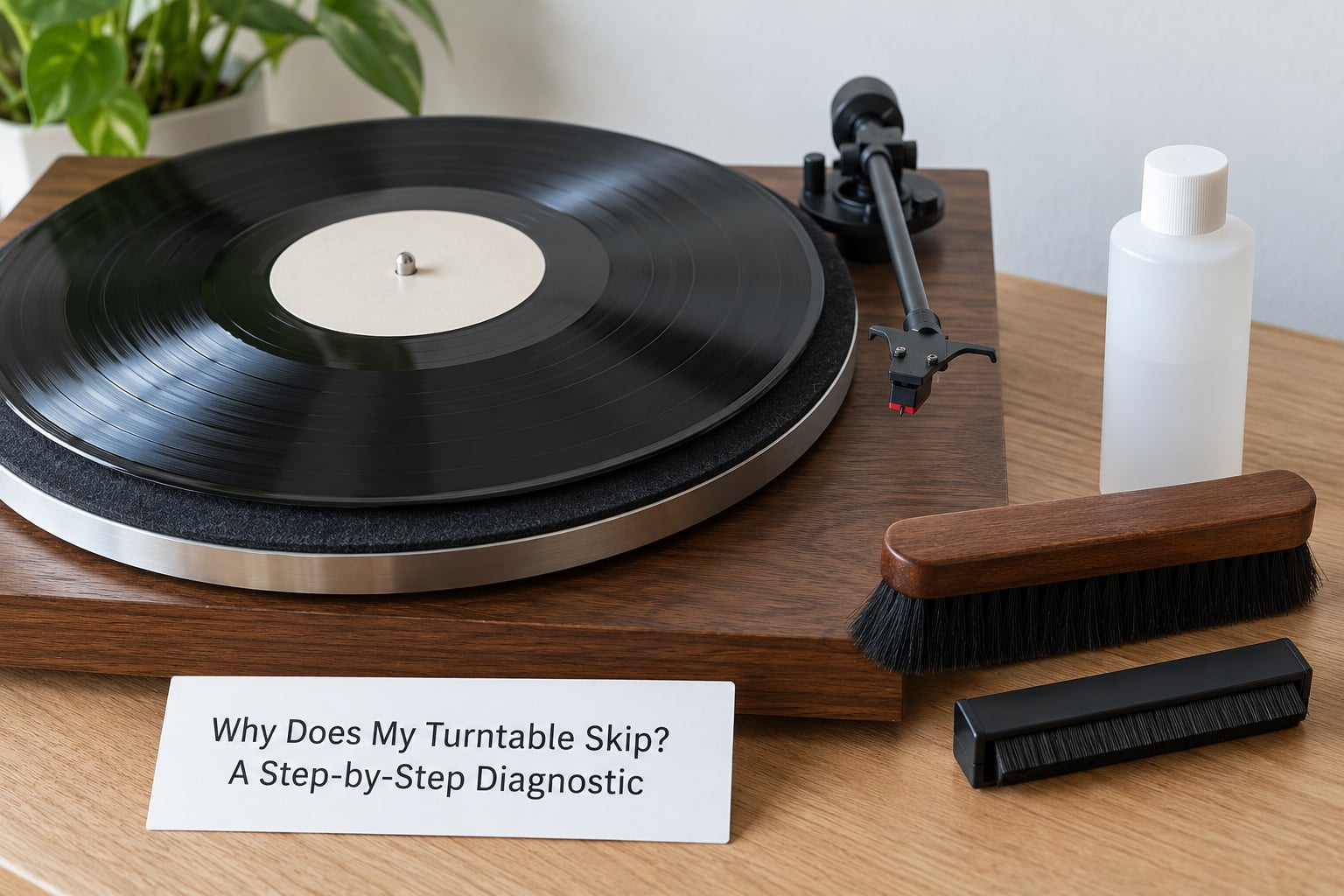
Why Does My Turntable Skip? A Step-by-Step Diagnostic
1. Clean the record grooves
Dust, lint, hair and static-charged airborne particles are the single most common cause. A speck the size of a grain of rice riding in a groove deflects the stylus sideways, and the stylus leaves the groove entirely.
Run a dry soft brush along the groove in the direction of rotation — no product, no pressure, just light contact. Then dampen a lint-free cloth with distilled water or record cleaning fluid, hold the record by its edges on a flat surface, and wipe from the outer edge toward the label in one continuous motion. Never use a circular motion, household cleaners, or alcohol-based products, and never touch the groove area with a finger. Oils from your skin attract dust rather than removing it.
You will hear the difference immediately. Pops and surface noise drop away, and if the skipping was groove-related, it often stops with it. Static is the reason a record kept in a dry room grabs dust so fast: a carbon-fiber anti-static brush swept through the grooves gives the charge somewhere to go.
2. Check the stylus and cartridge
Put the record on, lift the tonearm, and look at the needle under magnification or a loupe with the light angled from behind. A healthy conical or elliptical stylus looks like a clean, sharp point. What you are looking for is a flattened, blunted, bent or visibly hooked tip, a needle sitting crooked in its mount, or a cartridge body that rocks when you nudge it gently — a sign the mounting screws are loose or the pivot has been knocked.
A worn needle does not read as a needle problem, which is why it gets missed. The tip wears into a flat spot, the contact area grows, and the stylus skates on the groove wall instead of tracking down it. That produces skipping at the same point on every play, quiet passages turning into thin scratchy mush, and treble that sounds dull or veiled compared with what you remember.
Clean a dirty needle with stylus cleaner and a cotton bud, or a soaked soft cloth drawn gently toward you. If you see damage, stop. Do not polish a needle, do not file it, and do not try to straighten it. A bent tip will destroy grooves across a whole side of vinyl. Replacement is the only answer, and cheap cartridges cost far less than the records they would ruin.
3. Set the tracking force correctly
Most turntables use a rotating dial or a threaded collar to set the downward tracking force the cartridge needs to stay in the groove. The number belongs on the cartridge specification sheet, in grams, and many cartridges give a small acceptable range rather than one figure. Common working ranges are roughly 1.5 to 2.5 grams for a typical moving-magnet phono cartridge and about 1.7 to 2.5 grams for a light moving-coil cartridge — treat those as examples of what you will see on a data sheet, not as settings to copy into your deck.
To measure rather than guess, use a stylus force gauge: rest it on the tonearm at the cartridge height with the needle raised, zero it, then lower the arm and read the weight in grams. An under-weight tonearm lets the stylus ride up the groove wall, which produces repeated bars, wandering and skipping on a bass-heavy track. An over-weight one pushes the needle down harder than the geometry allows, causing a slow drift toward the inside of the record, distortion and a worn-out stylus long before the cartridge’s life is done.
If the arm floats weightless or the deck pulls the tonearm to one side before it reaches the record, balance the arm first: set the anti-skate to zero, float the arm on a balance point at pivot height, and only then move the dial. Every accurate reading depends on that step being right.
4. Adjust the anti-skate and tonearm alignment

Anti-skate is the small dial that pushes the tonearm inward, cancelling the force that makes a cartridge body want to skate outward as it is dragged through a groove. Set it correctly and the arm drifts across a playing record by itself, then stops. Set it too high and it forces the arm outward against its own momentum, so the stylus is dragged against the groove wall and the arm creeps toward the outer edge. Owners describe that creep as the turntable skipping outward for no visible reason.
The standard setup is to zero the anti-skate, set tracking force, then turn anti-skate up to roughly half, or between 0.5 and 1.0 on a typical numbered dial, and re-check. If the arm will not stay put at half, adjust that number until it does.
Cartridge alignment matters too. A misaligned cartridge produces the same outward creep as excessive anti-skate, which is why the two get confused constantly. Check that the headshell bolts sit square against the cartridge body, and that the tonearm height clearance and the alignment template in your manual match what the cartridge maker recommends. Correct alignment, correct tracking force and correct anti-skate together mean the stylus sits still, tracking evenly from the first track to the last.
One thing worth distinguishing: setup faults creep gradually across the record, while a damaged needle or a gouged groove repeats the same bar in the same place every time. That difference tells you which problem you have.
5. Check the platter speed and drive system
Incorrect speed does not cause a skip directly, but a platter running at the wrong pitch changes how the stylus interacts with the groove wall, and on a warped record a slow platter makes the wobble worse. Most belt-drive decks use a small motor pulley driving a rubber belt around the platter rim; direct-drive decks spin the platter from a motor inside the base.
On a belt-drive deck, put a strobe pattern on the platter or watch a lit surface reflected in the rim, then nudge the pitch control until the pattern stands still. On direct-drive players, use the strobe window and the pitch slider on the front, or the app on your phone that flashes at 33 and 45 rpm. A stuttering light pattern that will not hold steady usually means the belt is glazed, stretched or broken.
If skipping runs through an entire album on every record, not just at one spot, suspect the drive. A glazed belt slips under load, the platter runs slow, and a stylus at correct tracking force then has too little grip. Swap the belt before you touch anything else. If the platter itself wobbles or the deck hums on start-up, that is a bearing or motor fault for a technician.
6. Why does my turntable skip on one record and not others? Test them separately
Run this test before you change a single setting, because it settles the record-versus-turntable question in two minutes.
- Play a record you know is clean and in good shape. If it plays fine, the stylus and tonearm are probably working and the problem lives in the suspect record.
- Play the suspect record from a different point rather than only from the start, since skips at the beginning have their own causes.
- If you can, play the suspect record on another turntable. Skipping there too points squarely at the record: a warp, a deep scratch or a pressing defect.
- If it plays fine elsewhere and skips on your deck, the fault is in your setup, your surface or your stylus.
Skipping at the identical spot on every play means a physical defect in that stretch of groove. Skipping that starts partway into a record and worsens toward the middle usually means the record is warped, a shallow bowl from heat or pressure, and the stylus is riding the high spots. Playing a warped record hard will grind the needle, so take it out and store it upright in a sleeve.
7. Replace a worn cartridge or seek service
If cleaning and setup have not fixed the skipping, the fault is a part, not a habit. A cartridge whose needle is worn flat, bent or sitting loose can skip on perfectly clean records across every genre, and no adjustment brings it back. Swapping the stylus or the whole cartridge takes ten minutes with a screwdriver and the maker’s instructions, and it is a routine job.
A few faults are technician work. Binding tonearm bearings that seize mid-playlist, a bent tonearm or headshell, a platter wobble, a motor that will not hold speed, or a lifting or damping arm assembly that moves on its own all mean the deck needs opening up. On a cheap suitcase player, check first that the tonearm is not gently bumping the crate lid or a record sleeve during playback, a problem that looks exactly like a cartridge fault and costs nothing to solve.
Common Mistakes
Using alcohol or household cleaners on vinyl
Spray cleaner, glass cleaner and anything alcohol-based strips the vinyl and leaves a residue that traps more dust than it removed. Use record cleaning fluid or plain distilled water, and apply it to the cloth rather than the record.
Touching the stylus with your fingers
Skin oils on the tip are sticky enough to collect dust within a play or two, and a fingertip is far too blunt to clean anything. Use stylus cleaner and a cotton bud, or draw a soaked cloth toward the cartridge from the back so nothing touches the needle from behind.
Adding weight to the tonearm or the spindle
This is the most common bad fix online, and it will damage your records and your needle at the same time. Adding records on the spindle to flatten a warped disc cracks it and pushes the groove walls together. Increasing tracking force past the cartridge spec may quiet the skipping for a while while wearing out the stylus early and wearing the record down faster. Set tracking force to spec instead.
Tightening tonearm hardware by feel
Over-tightening the headshell bolts, the arm height screw or the cartridge screws can cant the cartridge, crack the arm tube or throw the alignment out, producing a drift that gets blamed on the record. Tighten firmly and stop, following the torque the manual gives.
Blaming the record before testing the system
A record that skips on a clean deck is not proof of a defective pressing. Clean the grooves, inspect the needle, check tracking force and anti-skate, then play another record and compare. The test costs five minutes and saves both the cartridge and your copy.
When to replace the cartridge
Replace the cartridge when skipping shows up on several clean records and follows the tonearm across the whole side, when the stylus looks flattened, bent or floating loose in its mount, or when a correct tracking setting cannot be reached at all. A cartridge that spins when you move the body sideways instead of pivoting freely has a damaged pivot. All three cases point the same direction, and a replacement stylus is inexpensive next to a shelf of new records.
Quick tips for preventing skips
- Handle records by the label and the outer edge only, with clean dry hands, and keep dust off the shelf.
- Store vinyl upright in its sleeve in a room that is not hot and not damp, away from direct sunlight.
- Clean the stylus on a schedule, and use a proper cartridge replacement rather than pushing a needle that has gone dull.
- Keep the dust cover down during playback so sound pressure and air movement do not lift a light record off the platter.
- Check the platter, mat and belt periodically, and confirm the deck is level and free from vibration.
Frequently Asked Questions
Why does my turntable skip on only one record?
One record skipping usually means that record. Clean the grooves first, then play a different record to see if the deck is fine, and try the suspect disc on another turntable if you can. Skipping at the same spot every time points to a deep scratch, a warp or a pressing defect in the grooves. Skipping that starts mid-record and grows usually means the disc is bowed from heat or stacking.
Is it normal for a new record to skip?
Not often. A brand-new record should play cleanly on a correctly set up turntable, so skips on a fresh copy usually trace back to dust in the groove, static, a misaligned cartridge or tracking force that is off. If it still skips after cleaning and setup checks, the pressing itself may be defective. Seams and a slight step near the label are common on new vinyl and are not the same as a defect.
Can a dirty stylus cause a record to skip?
Yes, and it is one of the easiest problems to fix. A stylus coated in dust and skin oils rides up the groove wall instead of sitting in it, producing skips at the same place each time, thin scratchy quiet passages and dull treble. Clean the tip with stylus cleaning fluid and a cotton bud, or a cloth drawn gently toward the cartridge, and test again before buying anything.
Should I increase the tracking force to stop skipping?
Only if your setting is below the cartridge specification. Over-weighting the tonearm to force a record through can quiet a skip briefly while damaging the stylus early and wearing the groove walls down faster. Set the force to the grams listed for your cartridge using a stylus force gauge, check that the tonearm is balanced and level first, and rule out a dirty record and a dirty stylus before adjusting anything.
Why does my turntable skip at the beginning of songs?
Skips in the opening seconds usually come from that first stretch of the record. Older pressings often have a slightly raised rim just inside the lead-in groove, and the stylus catches it on the way down. The same spot can be dusty from handling, the anti-skate may be set high enough to drag the arm outward, or tracking force is set a little low as the arm settles in. Clean the lead-in area and recheck the arm setup.
What Should You Try First?
Start with the record, then the needle, then the settings, in that order. Clean the grooves with a soft brush and cleaning fluid, inspect the stylus under magnification, and confirm the tracking force matches your cartridge specification and the anti-skate sits near half. Play a second record to confirm the fix and check the deck is level on a surface that does not shake.
If skips continue across several clean records, or the stylus looks flattened, bent or loose in its mount, a replacement cartridge solves it. And if the arm was corrected but the platter still wobbles or the arm still binds mid-playlist, that is a technician job rather than an evening at the kitchen table.