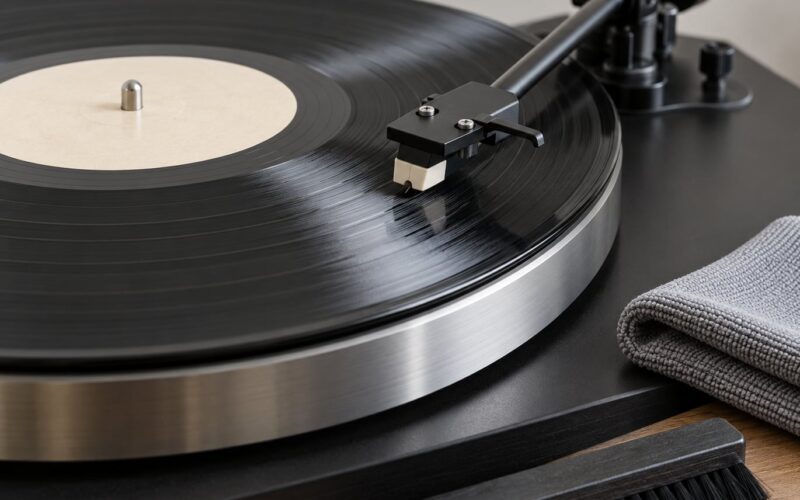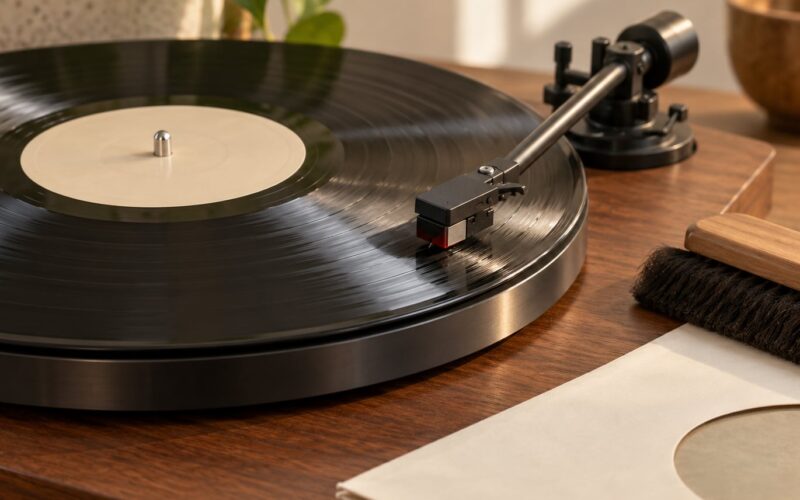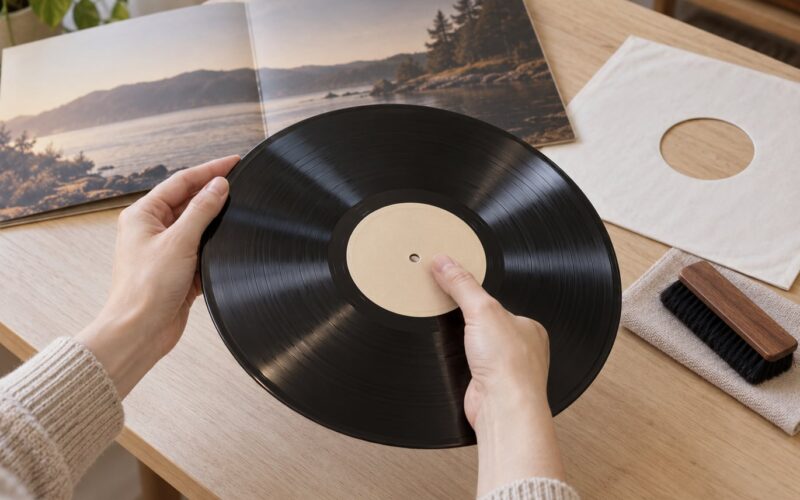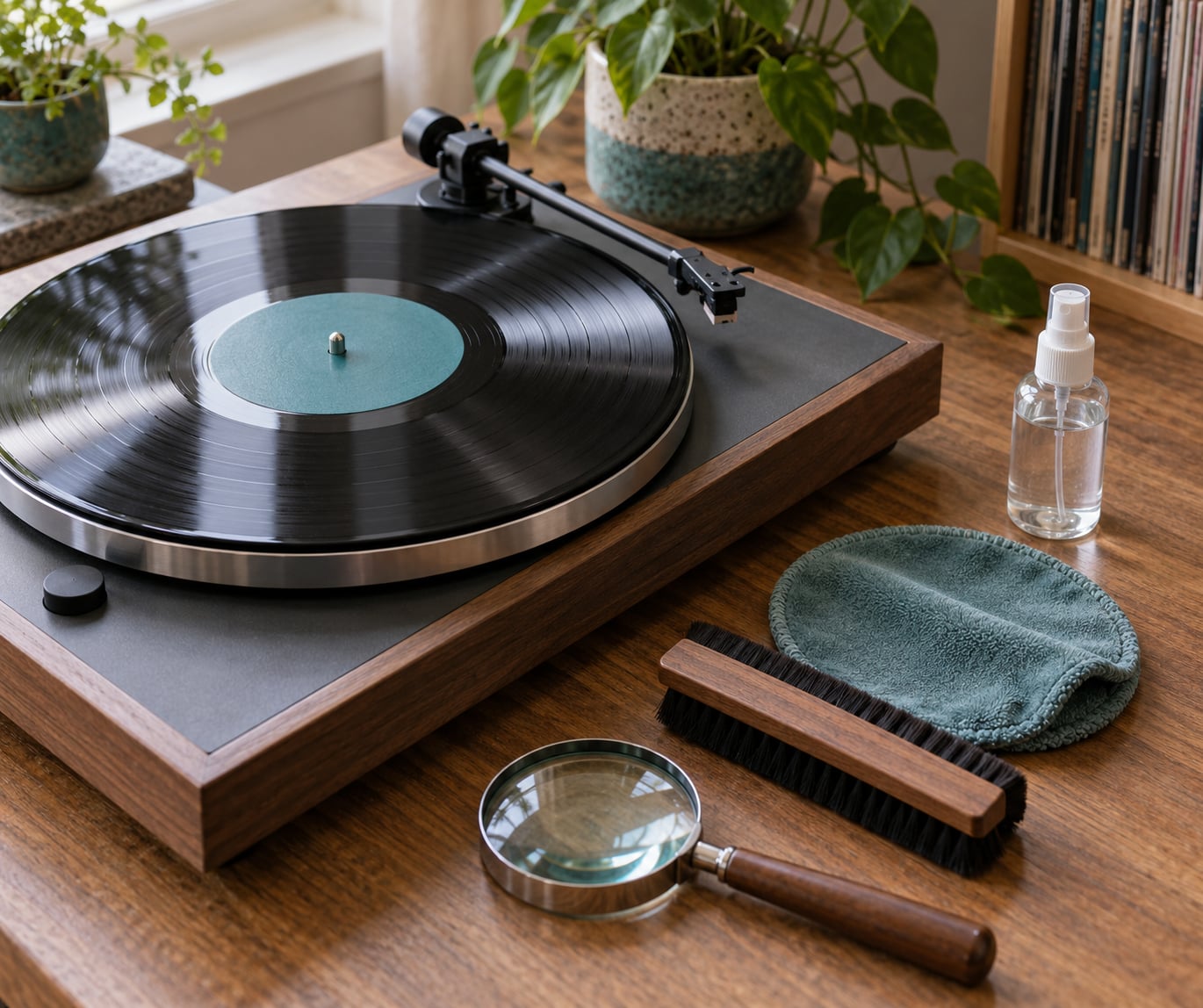
The difference between surface noise and groove damage is whether the noise is sitting in the record or worn into it. Surface noise is dust, fingerprints, static and pressing roughness that a good clean usually removes. Groove damage is permanent wear of the groove wall itself, and no cleaning machine will bring it back.
That distinction matters because the remedies point in opposite directions. Cleaning a worn record is money spent on nothing, and writing off a merely dirty record means passing on a copy that plays perfectly once it is clean.
Table of Contents
- Difference Between Surface Noise and Groove Damage at a Glance
- What Is Surface Noise on a Vinyl Record?
- What Is Groove Damage?
- How to Tell Surface Noise and Groove Damage Apart
- Step 1: Inspect the disc under angled light
- Step 2: Brush along the groove direction
- Step 3: Wet clean if it still crackles
- Step 4: Replay the same passage on the same side
- Step 5: Decide, then write it down
- Rule out the two look-alikes first
- Surface Noise vs. Groove Damage: Sound and Appearance
- What to Do About Surface Noise
- What to Do About Groove Damage
- Which Problem Should You Check First?
- Frequently Asked Questions
- Is surface noise the same as a scratch?
- Can groove damage be fixed by cleaning a record?
- Why does one scratch make a repeating click?
- Does a hissy vinyl record usually have damaged grooves?
- Should I keep playing a record with surface noise?
- How can I tell if the problem is my stylus instead of the record?
- Conclusion
Difference Between Surface Noise and Groove Damage at a Glance
| Factor | Surface noise | Groove damage |
|---|---|---|
| Cause | Dust, fingerprints, static charge, mould release residue, pressing roughness | Scratches that reach the vinyl, repeated stylus contact, worn groove walls |
| Where it lives | In or on the groove, but not part of it | In the groove wall itself |
| Permanence | Temporary | Permanent for that pressing |
| Repeatability | Changes between plays, or shifts after a clean | Same tick, same spot, every rotation |
| Does cleaning help | Often, fully or a lot | No, not at all |
| Sound signature | Random crackle, soft hiss, scattered pops | Repeating clicks, raspy quiet passages, muffled or unstable highs, skipping |
| Worst moment in the side | Anywhere, often spread across the whole side | Usually the inner tracks and the runout area |
| What to do | Brush, then wet clean, then re-test | Adjust nothing beyond spec, consider a different copy |
What Is Surface Noise on a Vinyl Record?
Surface noise is any unwanted sound produced by something that is not part of the recorded signal but sits in the groove path. That includes loose dust, a fingerprint or sleeve scuff, static charge pulling grit onto the disc, and residue left by the mould release agent used in pressing. The stylus hits it and the moment of contact breaks up, which the amplifier reproduces as crackle, a soft hiss floor or a scattered pop.
By nature it is temporary. Lift the dust and the noise goes with it, which is why almost every cleanable complaint in vinyl starts and ends with the same short list: a soft brush, a proper fluid, a clean cloth, and an inner sleeve that does not generate static.
What Is Groove Damage?
Groove damage is physical wear of the groove itself. A scratch that reaches the vinyl removes or reshapes the modulated surface, and so does the slow abrasion of a stylus running over the same modulated surface thousands of times.
The mechanism explains why worn records sound different rather than merely noisier. Dirt changes what the stylus touches for a moment, so it produces broadband noise. A worn groove wall has lost the fine modulation that carries high frequencies and transients, so the signal arrives distorted, raspy in quiet passages and dull at the top, with nothing added on top that cleaning can remove.
Both are physical, but only one is a change to the recorded geometry. That is the difference between a record that is dirty and a record that is played out.
How to Tell Surface Noise and Groove Damage Apart
There is a five-step sequence that settles it for almost any record. Change one thing at a time, and do it on a disc you can spare rather than a treasured first pressing, because the diagnosis costs you a few plays.
Step 1: Inspect the disc under angled light
Hold the record at roughly 45 degrees to a lamp and move the light across the surface. A scratch catches the light as a bright line running across the grooves. Run a fingernail gently along it: if the nail catches in a groove, the vinyl is deformed and that is groove damage. A hairline scratch you cannot feel is often just a surface scuff, and a sleeve scuff usually wipes off with a cloth.
Step 2: Brush along the groove direction
Use a soft, conductive brush once, moving outward from the centre, never across the grooves. Then play the passage that was noisy. Improvement means the majority of what you heard was loose dirt.
Step 3: Wet clean if it still crackles
Apply fluid to the record, never to the brush, work it with the cloth in circular motions following the groove, and let it run off before you play. If the noise changes noticeably, it was surface noise. If the record sounds identical, you have found your answer.
Step 4: Replay the same passage on the same side
This is the step most people skip, and it is the one that decides the case. A defect that returns at the identical point in the identical track every rotation is a feature of the record, which means a scratch or a worn section of groove. Crackle that wanders, or that clears partway through a side, was debris, static or residue.
Step 5: Decide, then write it down
Note the position of the defect in seconds from the start of the side. When you next pick the record up, you will know instantly whether the cleaning worked instead of re-cleaning the same disc for the fifth time.
Rule out the two look-alikes first
Two other things mimic damage badly. Static builds in dry air and makes the disc grab dust and crackle unpredictably; it changes between plays and worsens without warning, and it usually arrives with cold weather and low humidity. A worn stylus or a mistracking setup sounds like every record in the crate, so if the same tick appears on a known-good disc at the same rotational position, the problem is the cartridge, not the vinyl. Pressing defects such as bubbles, a flat spot or an off-centre label sit under the record and produce wobble, repeat thumps or loss of tracking on one area only, none of which cleaning touches.
Surface Noise vs. Groove Damage: Sound and Appearance
Hearing the difference is faster than inspecting the difference. Match what you hear against these signatures.
- A repeatable click in the same spot every spin: a scratch that has cut into the groove, or a damaged section of groove. The click returns with the same waveform every time.
- Random crackle that moves around: dust, fibres or a scuff on the disc. It changes between plays and shifts visibly when you rotate the record by hand.
- A soft, even hiss under quiet music: usually surface noise from residue or pressing roughness, sometimes a mould release film that a wet clean removes.
- Raspy, gritty sound in the quietest passages: worn groove walls. The noise floor rises exactly where the music drops away, and cleaning does nothing for it.
- Dull, muffled top end across a whole side: groove wear. There is no crackle to point at, but detail is simply gone.
- Skipping or jumping at one spot: a deep scratch or a deformed groove. Raising the tracking weight past the cartridge specification does not fix it and makes the damage worse.
Visually, a clean record shows spindle marks or a faint radial scuff that never crosses the grooves. Surface noise has almost no appearance at all, and microscratch damage can be entirely invisible in good light while still being audible. Groove damage, when you can see it, shows as a line that crosses the grooves and catches a fingernail.
What to Do About Surface Noise
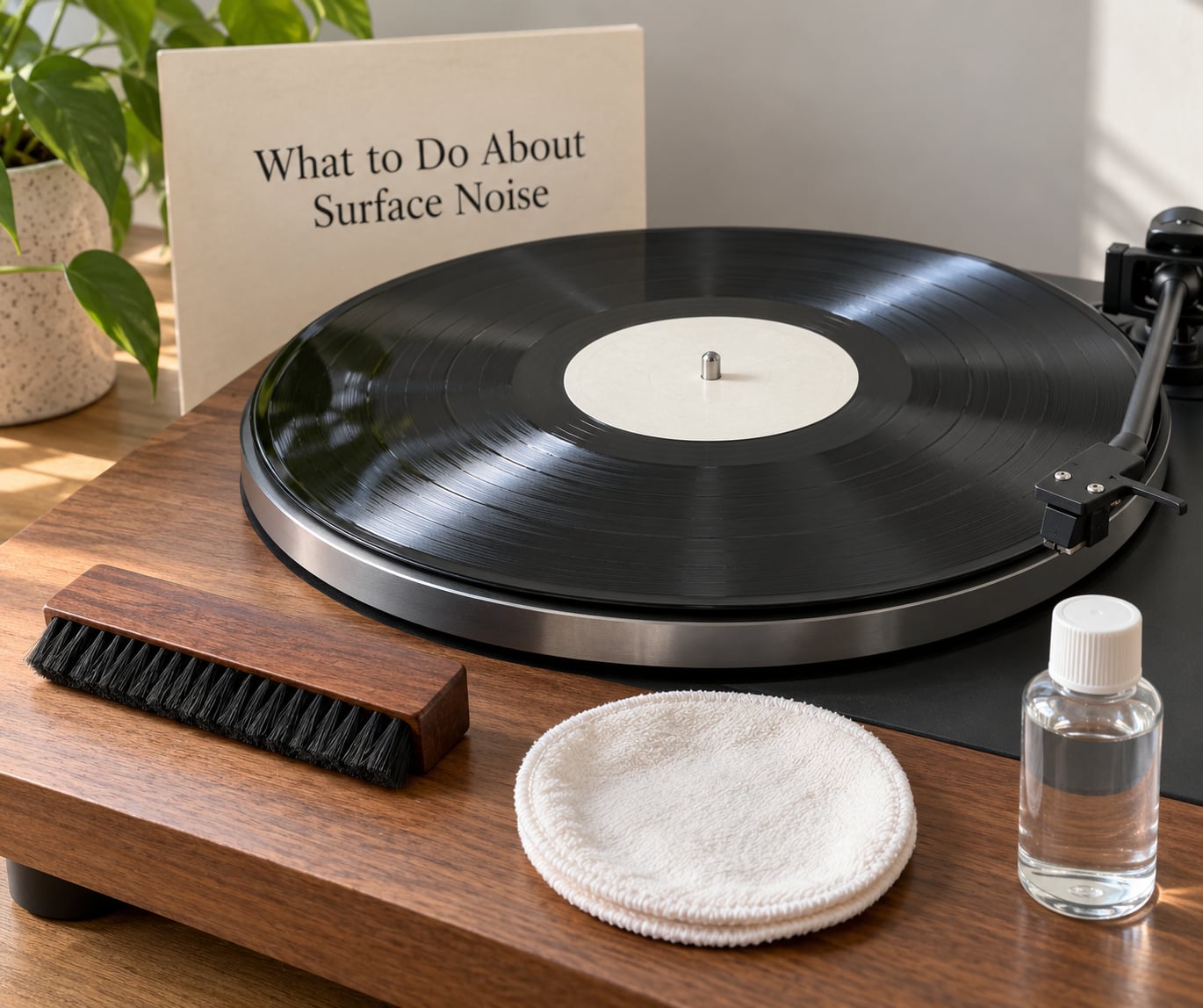
Work up the ladder and stop when the noise stops. Each rung costs more and buys less, so do not jump to the top one.
- Dry brush: a soft carbon-fibre or goat-hair brush, used along the groove direction only. Handles loose dust and buys you a diagnosis.
- Wet clean: purpose-made record fluid and a microfibre or cotton cloth, following the groove around the disc. Handles embedded dirt, fingerprints and residue.
- Vacuum machine: strong suction through a fluid bath. Justified for a genuinely dirty side, not for a faint crackle.
- Ultrasonic cleaning: the most aggressive option, with the most risk. Worth it for a filthy collectible, pointless on a worn one.
- Anti-static measures: conductive inner sleeves and storing the disc away from synthetic fabric, so the noise does not come straight back.
Two habits matter more than any of that. Keep grit off the stylus, because a dirty needle drags debris across the groove and creates damage that was not there before. And never use WD-40, household sprays, alcohol or an abrasive pad on a record; they haze the vinyl, leave a film that attracts more dust, and can take the record off the table entirely.
What to Do About Groove Damage
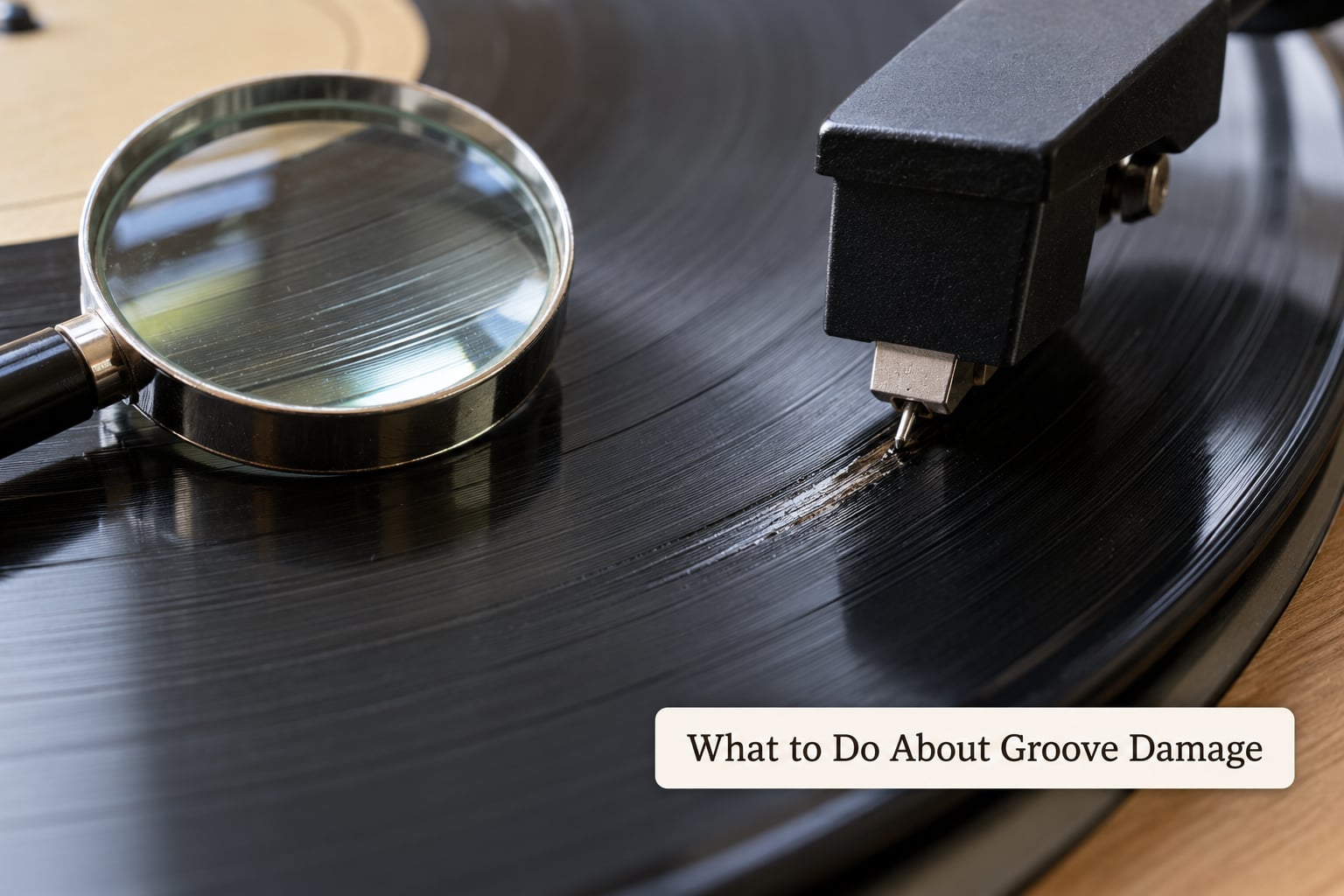
There is no way to clean away worn grooves. The only options are to get more out of what is left, or to stop asking the record to give you more.
- Confirm the wear is genuine before you accept it. Play the same passage on another copy or a known-good test disc, because a tired stylus fakes worn grooves convincingly.
- Check alignment and set the tracking weight to specification, not above it. Correct geometry often rescues a section that was skipping simply because the cartridge was mistracking.
- Fit a stylus matched to the record if the original is worn. A fresh, correctly sized tip tracks shallow worn grooves better than an old, mismatched one.
- Lower the volume and play it well. Worn records are quiet and lack treble before they distort, so the failure is not clipping.
- Separate the badly damaged ones from the playable ones so you stop reaching for them. A record that skips every pass will keep skipping, and each skip costs the stylus.
Inner groove distortion deserves its own note, because collectors chase it for years. It is wear concentrated in the inner tracks, where the stylus travels most slowly and the groove is smallest, so the last two minutes of a side are where the evidence is loudest. It is the one problem on this page that no fluid, brush or machine will improve.
Which Problem Should You Check First?
Start with the symptom rather than the disc. If the noise is scattered, changes between plays or was worse after a dry winter day, suspect surface noise and clean first. If a defect lands in the same track at the same moment every time, or the quietest part of a side is the noisiest part, suspect groove damage and skip straight to the stylus and the setup.
Two quick rules cover most cases. If the problem follows the record from deck to deck, it is the record. If it follows the stylus position on every record you play, it is the cartridge. And when you are buying a used copy sight unseen, audible groove wear matters more than any amount of paper scuff, because one is permanent and the other is a cloth away from gone.
Frequently Asked Questions
Is surface noise the same as a scratch?
No. A scratch is a physical mark; surface noise is a sound. A scuff that sits on the disc or a sleeve mark that never crosses the grooves can cause audible noise and wipe away with a cloth, so the noise is surface noise. A scratch that catches your fingernail cuts into the groove, damages it permanently and cannot be cleaned out.
Can groove damage be fixed by cleaning a record?
No. Cleaning removes dirt, residue and fingerprints from the groove, but it cannot reshape a worn or scratched groove wall. If a record sounds identical before and after a proper wet clean, the noise is groove damage, and no brush, fluid, vacuum machine or ultrasonic cleaner will improve it.
Why does one scratch make a repeating click?
A groove makes one rotation per revolution, so a single damaged point is crossed at the same instant on every spin. The stylus hits the same deformation at the same speed each time and the amplifier reproduces an almost identical click. Dirt has no such fixed position, so it scatters randomly instead.
Does a hissy vinyl record usually have damaged grooves?
Not always. A soft, even hiss that sits under the music is often residue or pressing roughness, and a wet clean removes much of it. A hiss that rises exactly where the music goes quiet, with detail missing from the top end, points to worn grooves. Judge it in the quietest passage, not the loudest.
Should I keep playing a record with surface noise?
Yes, surface noise is not a reason to stop. Cleaning restores the record and repeated play does not shorten its life. Groove damage is different. If the disc skips, jumps or sounds distorted every time it reaches the same passage, stop playing it, because each pass wears the groove further and works the stylus harder.
How can I tell if the problem is my stylus instead of the record?
Play a known-good disc you do not mind scratching. If the same tick or distortion appears at the same rotational position, or if the noise worsens as the frequency response opens up, the stylus is worn or mistracking. Clean the tip, check alignment and tracking weight to specification, and only then suspect the records.
Conclusion
Clean the record, play the same passage again, and decide from what changed. If the noise shifted or faded, it was surface noise and the fix costs a fluid and five minutes. If it returned at the exact same point, or the inner tracks sound raspy no matter how many times you clean them, you are looking at groove damage, which is permanent for that pressing. Check the stylus before you blame the vinyl, keep the tracking weight within specification, and stop playing a record that skips before it costs you the cartridge.